


Remove any trails left behind by Nero on your computer
It's possible that a tool that is as complete and complex as Nero will be very difficult to uninstall and remove totally from our computer, so we may need a utility like Nero CleanTool, that allows us to eliminate any trace that has been left behind after uninstalling this popular disc burning application.
Remove any traces left behind by Nero
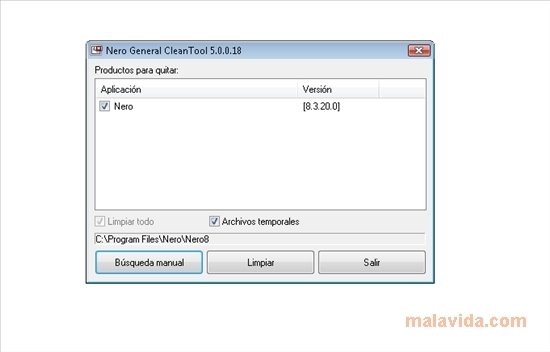
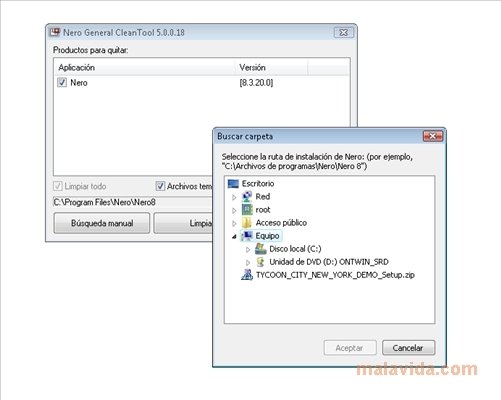
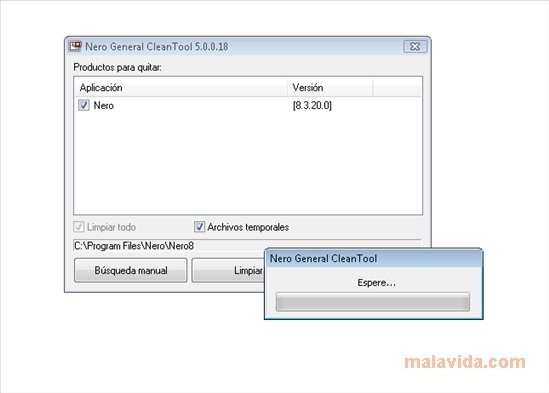
How it works is very simple, because we'll only need to launch the application, wait for it to detect the Nero installation (or manually select which folder of our computer it can be found in), select which of the burning suite's elements we want to eliminate and, last of all, wait for the tool to fulfill its task.
Obviously, since it's only an uninstaller, the interface is very simple and it only has a couple of buttons and windows in which it will show us the elements that are available to be uninstalled.
 Antony Peel
A Telecommunications Engineer, chance led me to the translation industry, where after a few years, I discovered another side of the world of technology while translating what others were writing about mobile applications and software. That...